




We are pleased to announce a simplified method for connecting to the Zambia ASYCUDAWorld platform. Windows users no longer need to download Java or configure site exceptions to gain access.
Simply download the new executable (.exe) client and follow the easy installation steps provided.
Please note: Windows Users who may encounter challenges installing the new ASYCUDAWorld client may continue using the updated JNLP setup along with the MacOS and Linux users. This will still require downloading Java and configuring site exceptions.
For these users, the updated ASYCUDAWorld JNLP Client (MacOS/Linux/Windows) option remains available.
Links for downloads are given below.
 Option I: ASYCUDAWorld Client (Windows Users)

Click here for Installation Steps
Option II: ASYCUDAWorld Updated JNLP Client (MacOS/Linux/Windows)
Alert! 
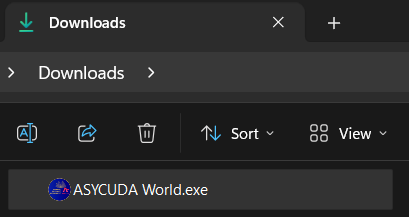
Download the New client and doubleclick to begin Installation.

Click OK to initiate installation process for ASYCUDAWorld
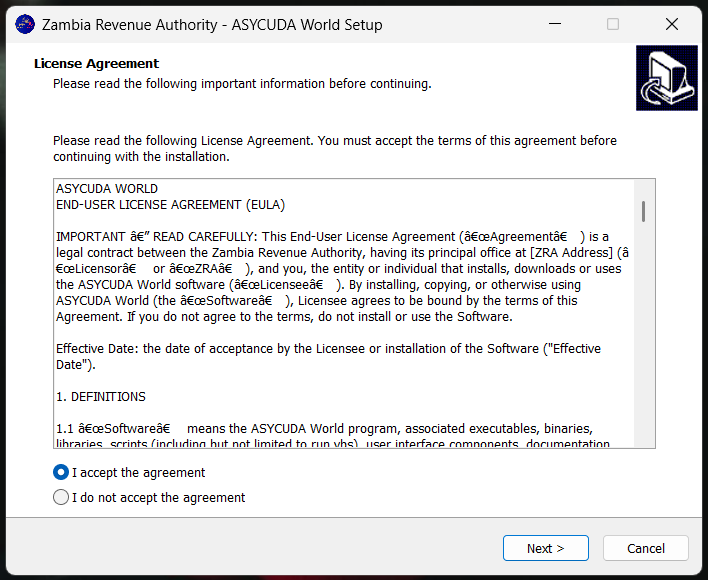
Read License Agreement and select I accept the agreement, then click Next to continue to next step.
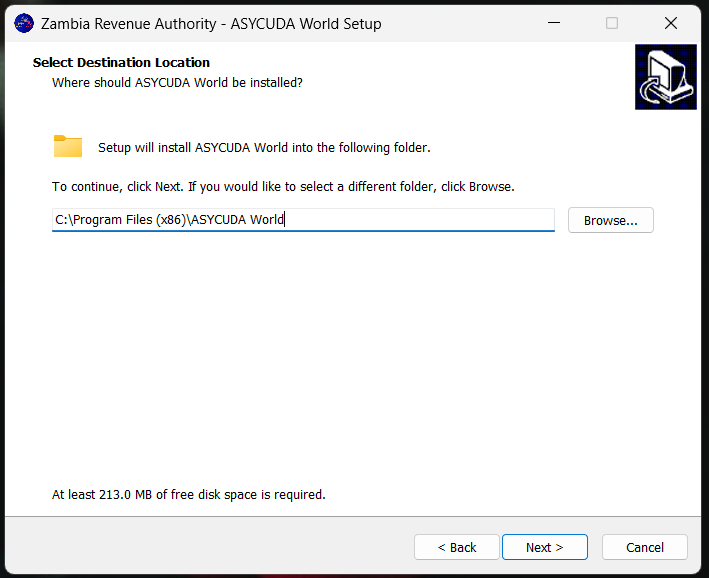
Click Next to accept the installation folder location.

Click Next to accept the application shortcut location folder.
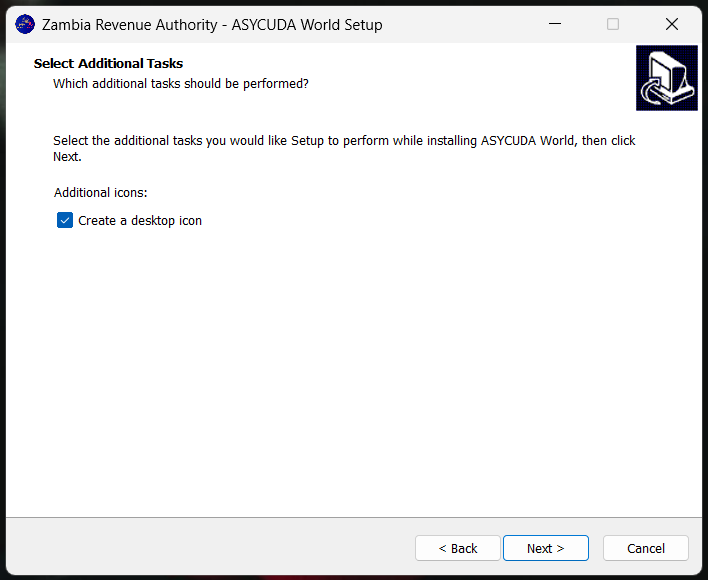
Tick the Check Box and click Next to create the application icon shortcut on your Desktop.

Click Install to finally perform the installation.
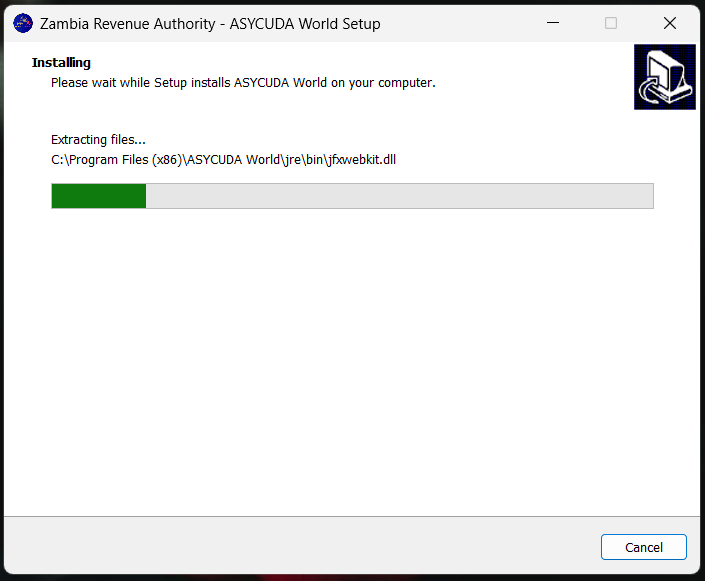
Wait installation process to finish the installation.

Click Finish to finally complete the installation.
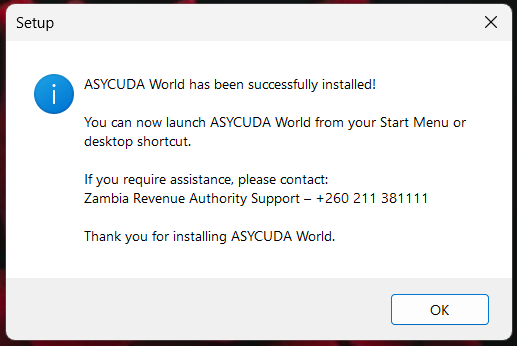
Click OK after reading the help information.
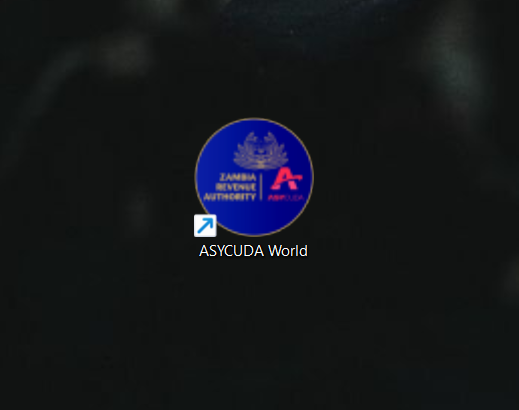
Finally find and double click the ASYCUDAWorld icon on your Desktop to Launch ASYCUDA.
© ZAMBIA ASYCUDAWorld . All Rights Reserved.